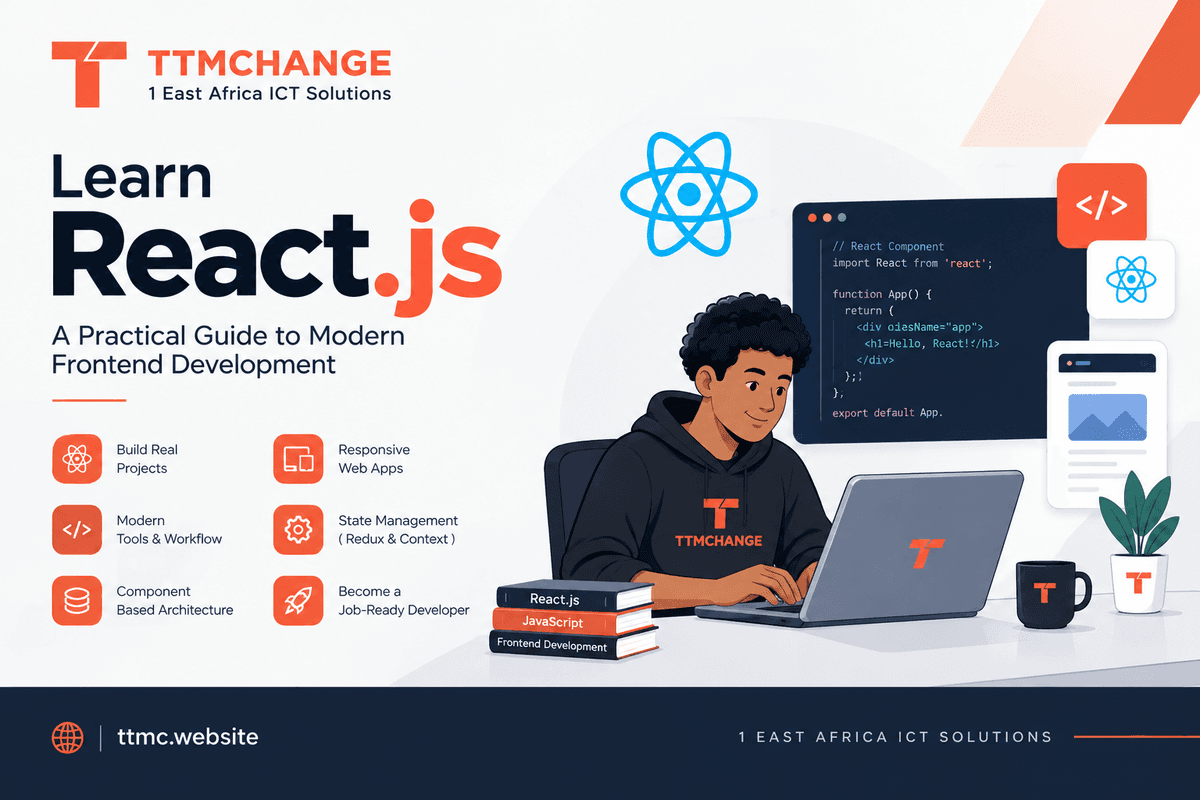
Learn React.js: A Practical Guide to Modern Frontend Development
React is one of the most widely used JavaScript libraries for building interactive user interfaces. Originally created at Meta, it introduced a component-based approach that changed how developers build complex web applications.
Today, React shows up everywhere — dashboards, SaaS platforms, social networks, e-commerce applications, large-scale production systems.
If you already understand HTML, CSS, and JavaScript and want to move into serious frontend development, React is one of the more important technologies to learn.
But learning React isn't about memorizing hooks or copying components. The real goal is understanding how modern React applications are structured — how state and data flow through an application, how components communicate, and how to build systems that stay maintainable as they grow.
What Is React?
React is a JavaScript library for building user interfaces through reusable components.
Instead of writing an entire page as one large block of HTML and JavaScript, React lets you break the interface into smaller pieces:
function ProductCard({ product }) {
  return (
    <article>
      <h2>{product.name}</h2>
      <p>${product.price}</p>
    </article>
  );
}
A component can receive data through props, manage its own state, respond to user interactions, and compose with other components to build larger interfaces.
This component-based architecture is what makes applications modular, reusable, and easier to maintain as they scale past a handful of screens.
What Should You Learn in React?
A strong learning path goes well beyond JSX and basic components.
1. React Fundamentals
Start with the core concepts:
- JSX
- Components
- Props
- State
- Events
- Conditional rendering
- Lists and keys
- Component composition
- Forms
- Controlled inputs
These form the foundation of nearly every React application you'll build after this.
2. Hooks and State
Hooks let functional components use React's capabilities without relying on class components.
Important hooks include:
useStateuseEffectuseRefuseContextuseReducer
Learning the syntax isn't enough, though. You need to understand when a hook is appropriate and when it isn't.
For example, useEffect is designed for synchronizing a component with external systems. It shouldn't automatically become the default solution for every piece of application logic.
3. Working With APIs
Real applications need data. You should learn how to:
- Make API requests
- Handle loading states
- Handle errors
- Submit forms
- Validate user input
- Cache server data
- Handle authentication
- Manage asynchronous operations
This is where React starts becoming useful for building actual applications, not isolated UI components.
4. Routing
Modern applications typically contain multiple routes, such as:
/
/login
/dashboard
/products
/products/123
/settings
You should understand client-side routing, nested routes, route parameters, protected routes, and navigation patterns. React Router is one option; frameworks like Next.js provide their own routing architecture built around React.
5. State Management
As an application grows, state gets more complex. You need to understand the difference between:
- Local UI state
- Shared client state
- Server state
- URL state
- Form state
Tools like the Context API, useReducer, Redux Toolkit, and dedicated server-state libraries each solve different problems.
The important skill isn't knowing every state-management library. It's knowing which state belongs where.
6. Styling Modern React Applications
React doesn't force you into one styling solution. You can work with:
- CSS
- SCSS
- CSS Modules
- Tailwind CSS
- Component libraries
- Design systems
For larger applications, consistency matters more than making individual components look good in isolation. Learn reusable design patterns, responsive layouts, accessibility, and maintainable UI architecture.
Build Real Projects
One of the fastest ways to understand React is to build applications that force you to solve real problems, rather than dozens of small tutorial components.
1. Social Platform
Build authentication, user profiles, post creation, editing and deleting content, comments, likes, client-side state, and API integration. This teaches you how different components communicate inside a larger application.
2. E-Commerce Application
Build product listings, product details, a shopping cart, search and filtering, a checkout flow, authentication, and order history. This introduces more realistic application state and data-flow problems.
3. Voting Platform
A voting app can teach timers, forms, validation, modal interfaces, state management, API integration, authentication, and preventing duplicate actions.
4. Streaming-Style Application
A media application can introduce external APIs, search, dynamic routes, responsive layouts, loading states, error handling, reusable components, and performance optimization.
The important part is not copying a finished project. Design the architecture yourself, then implement each feature.
React and Next.js
A common question: should you learn React or Next.js first?
Understand React fundamentals before relying heavily on a framework built on top of it.
Next.js adds an application framework around React — routing, server-side rendering, server components, data-fetching patterns, and deployment-oriented infrastructure. If you don't already understand React's component model, props, state, rendering, and data flow, a framework can hide important concepts instead of teaching them.
A reasonable progression:
JavaScript → React → Advanced React → Next.js → Production Architecture
Don't Learn React by Watching Videos
A long course can introduce hundreds of concepts, but hours of tutorials don't automatically make you a developer.
A better approach:
Learn → Stop → Recall → Build → Break → Debug → Repeat
After learning useState, close the tutorial and build something yourself. Don't copy:
const [count, setCount] = useState(0);
just because the instructor typed it. Ask yourself:
- What problem does state solve?
- What happens when the state changes?
- Why does React re-render?
- What is preserved between renders?
- When should state be local?
- When should state be shared?
That understanding is far more valuable than memorizing syntax.
React in the Modern AI Era
AI coding tools have changed how developers write software, but they haven't eliminated the need to understand React.
An AI assistant can generate a component quickly. It can also introduce unnecessary state, poor component boundaries, inefficient effects, accessibility problems, or security issues.
A strong React developer needs to understand the code behind the generated output — AI can accelerate implementation, but you still need to make decisions about:
- Architecture
- State management
- Component boundaries
- Performance
- Accessibility
- Security
- Data flow
- Maintainability
The future of frontend development isn't about typing every line manually. It's about getting better at designing, reviewing, debugging, and shipping reliable software.
What Do You Need Before Learning React?
You should have a solid understanding of:
- HTML
- CSS
- JavaScript
- Functions
- Objects and arrays
- Array methods
- Destructuring
- Modules
- Promises
async/await- DOM fundamentals
- Basic Git and GitHub
You don't need to know everything before starting React, but the stronger your JavaScript fundamentals, the easier React becomes.
Frequently Asked Questions
Is React difficult to learn?
React itself isn't necessarily difficult. The challenge usually comes from trying to learn React without understanding JavaScript first. Get the underlying concepts down, and React becomes much easier to reason about.
React or Next.js?
Learn React fundamentals first, then move into Next.js when you're ready to build complete production applications.
Do I need Redux?
Not necessarily. Many applications work fine with React's built-in state management and a few focused tools. Redux becomes useful once your application's shared state and data-flow requirements actually justify it — don't add it just because a tutorial does.
How long does it take to learn React?
There's no universal timeline. You can pick up the fundamentals relatively quickly, but becoming genuinely good at React requires building projects, debugging problems, reading documentation, reviewing other people's code, and seeing how applications behave in production.
Can AI replace React developers?
AI can automate a significant portion of frontend implementation, but building reliable software still requires engineering judgment. The developer's role is shifting from writing every line of code toward designing systems, directing AI tools, reviewing generated code, debugging complex behavior, and taking responsibility for the final product.
Conclusion
React is more than a frontend library to memorize. It's an opportunity to learn how modern interactive applications are designed and structured.
Start with JavaScript fundamentals. Learn React's core mental model. Build real applications. Break them. Debug them. Read documentation. Experiment without a tutorial.
And when you start using AI coding tools, don't let them replace your understanding. Use AI to accelerate your engineering — not to replace it.